The client needed a centralized system to manage the complete workflow between a freight broker and transport agencies. When a customer approaches the broker to move goods from one location to another, the broker needs to collect shipment information, assign the load to a suitable transportation agency, monitor its progress, and manage the required documentation.
Because transportation shipments can involve multiple documents, status changes, users, and operational details, managing everything through emails, spreadsheets, or separate communication channels could make it difficult to maintain an accurate record.
The system also needed separate access for transport agencies, allowing them to see and manage only the loads assigned to them while giving the broker complete visibility over the entire operation.
I developed a role-based transportation management portal that connects the freight broker with transport agencies through a centralized workflow.
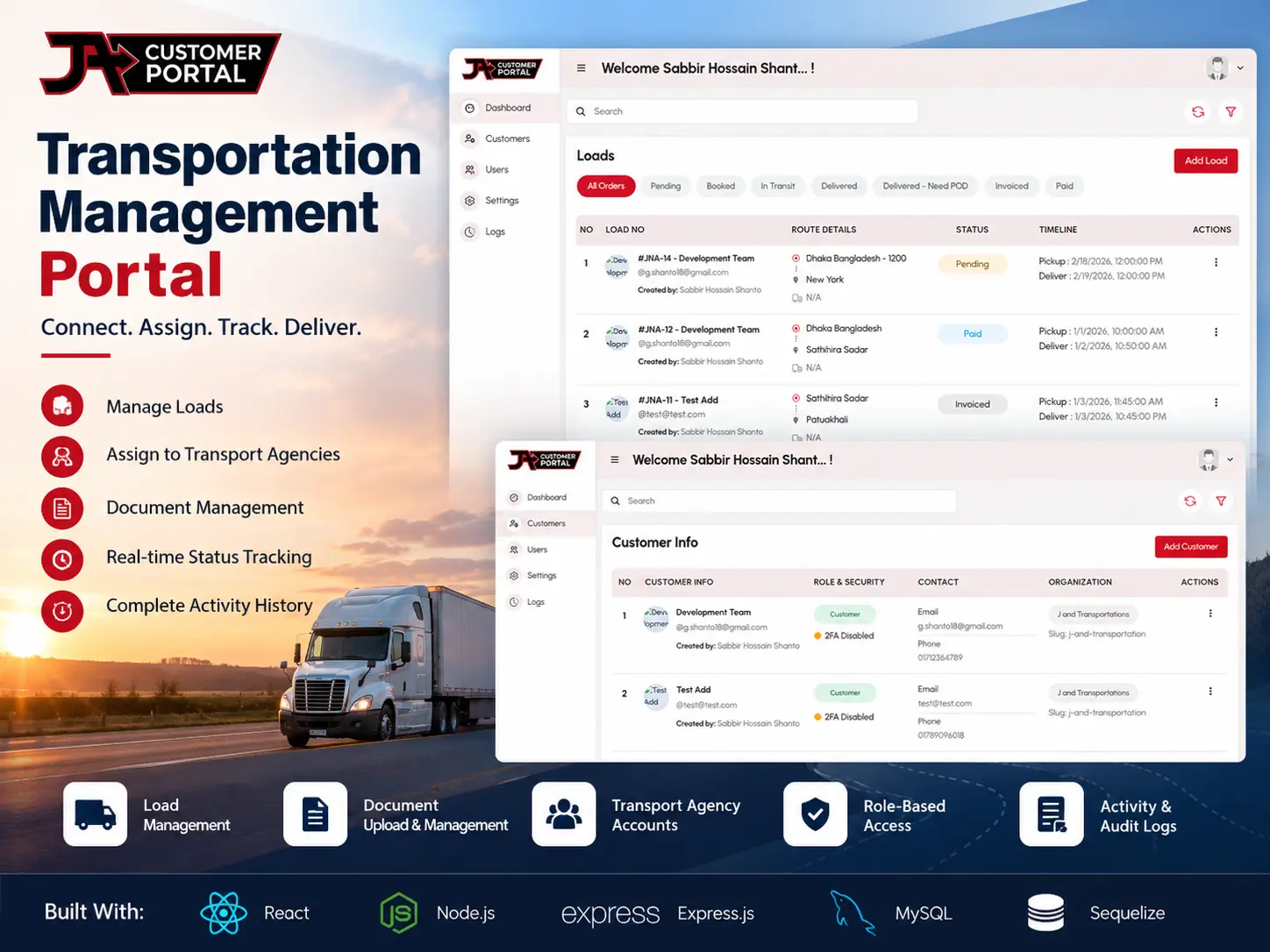
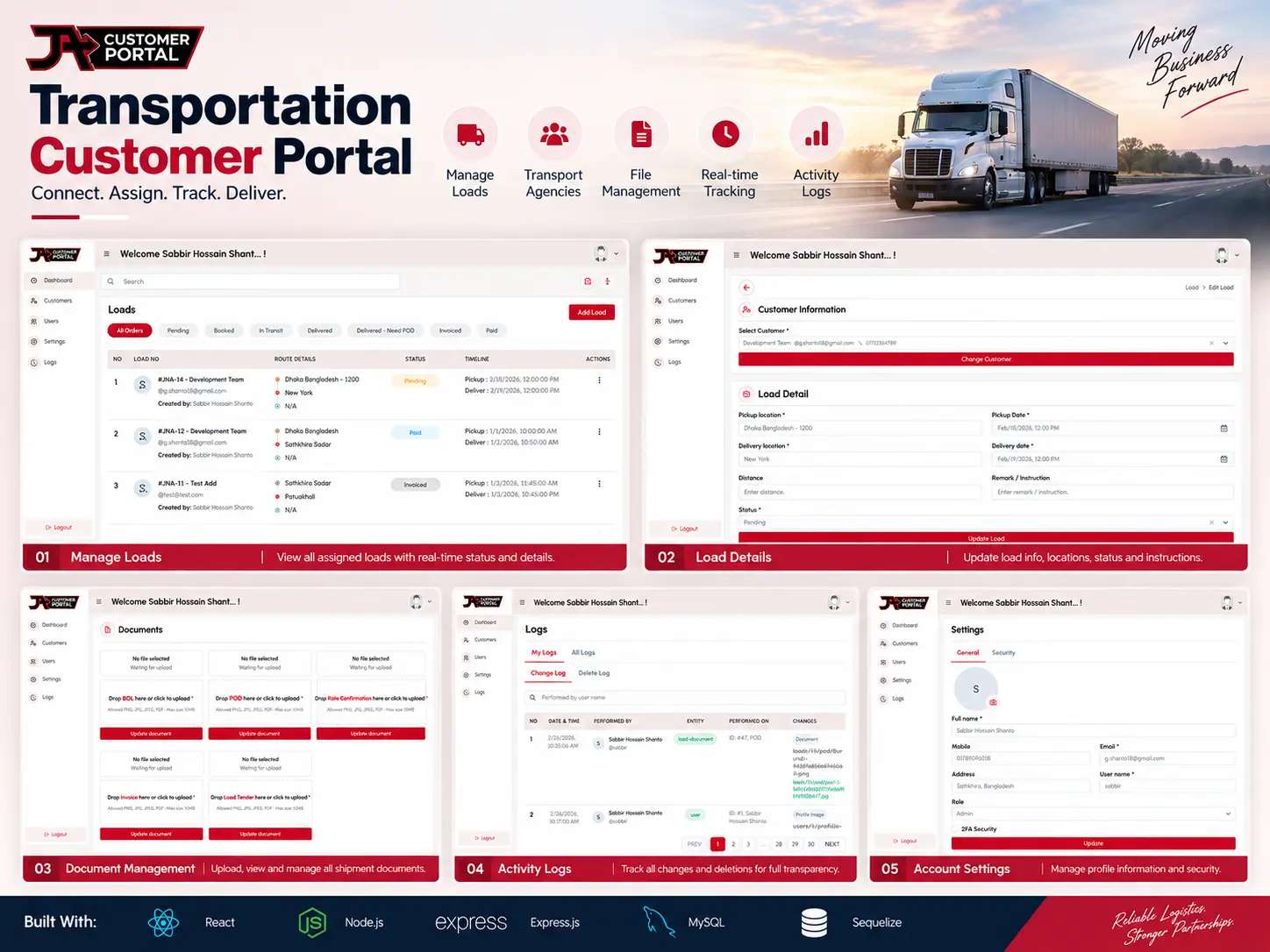
The broker can create a load with complete shipment information and assign it to a specific transport agency. Each load can contain details such as pickup and delivery locations, shipment information, truck details, distance, pickup and delivery schedules, and required documents.
Once a load is assigned, the transport agency can log into its own dashboard and access the loads associated with its account. From there, the agency can monitor shipment status and manage the documents required for each load.
The system also maintains an activity and audit history, allowing administrators to see important changes made within the system, including load and document-related activities. This provides greater transparency between the broker and transportation agencies.
Load Management
Load Status Workflow
The system supports a structured shipment lifecycle, including:
This allows the broker to understand the current stage of every shipment from a centralized interface.
Transport Agency / Customer Management
Customer Dashboard
Each transportation agency receives its own login and dashboard. After signing in, the customer can:
Customers cannot access unrelated loads or other agencies’ information.
Shipment Document Management
Since transportation shipments often require multiple documents, the portal provides document management directly within each load.
The system allows authorized users to upload and manage shipment-related documents while keeping track of document activities.
Activity & Audit Tracking
A dedicated activity history keeps a record of important actions performed within the system.
The administrator can review changes related to loads and customer activity, while customers can see relevant activity associated with their own account. This helps maintain accountability and provides a clear history of what happened within the portal.
Role-Based Access Control
Different users have different levels of access.
The broker/admin has centralized control over customers, loads, users, settings, and system activity, while transport agencies have restricted access to their own assigned loads and related information.
Search, Filtering & Pagination
The portal includes structured data tables with search, filtering, status-based views, and pagination to make it easier to manage a growing number of customers and transportation loads.